Create beyond reality.
Describe an idea, drop in a photo, or tap a template — Candy Studio turns it into an AI image or video on your phone, in seconds.
Get it on Google Play →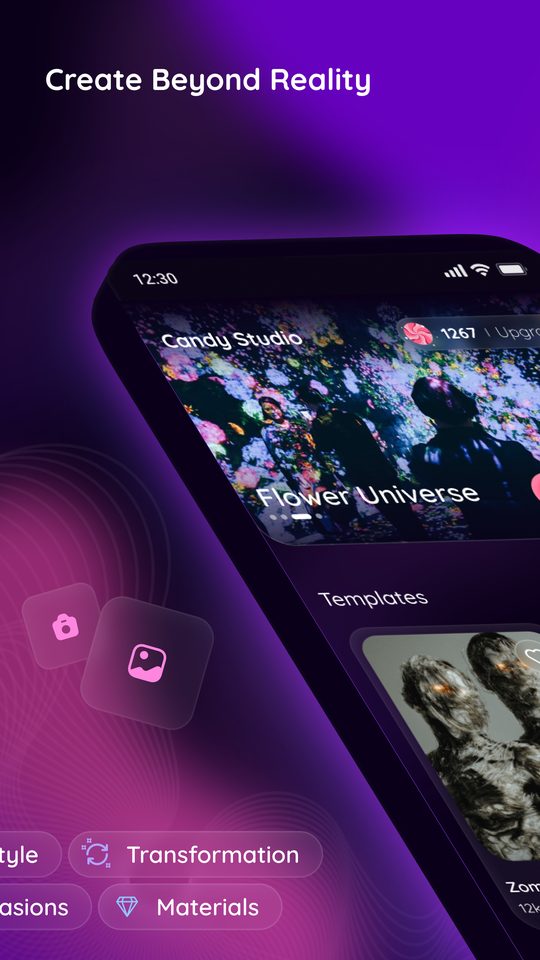
What you can make
One app for the whole thing: generate from a prompt, transform a photo you already have, or start from a look someone else built.
Text to image
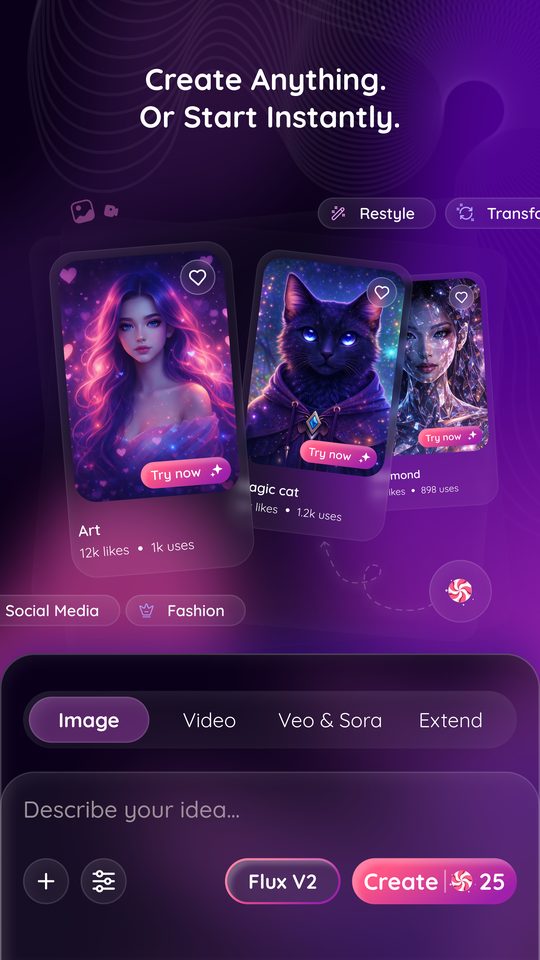
Describe your idea and get a finished image back. Pick the model that fits the job, from quick drafts to high-detail renders.
Text to video
Turn a prompt or a still into a short video, then extend it — image and video live in the same create bar.
One-tap templates
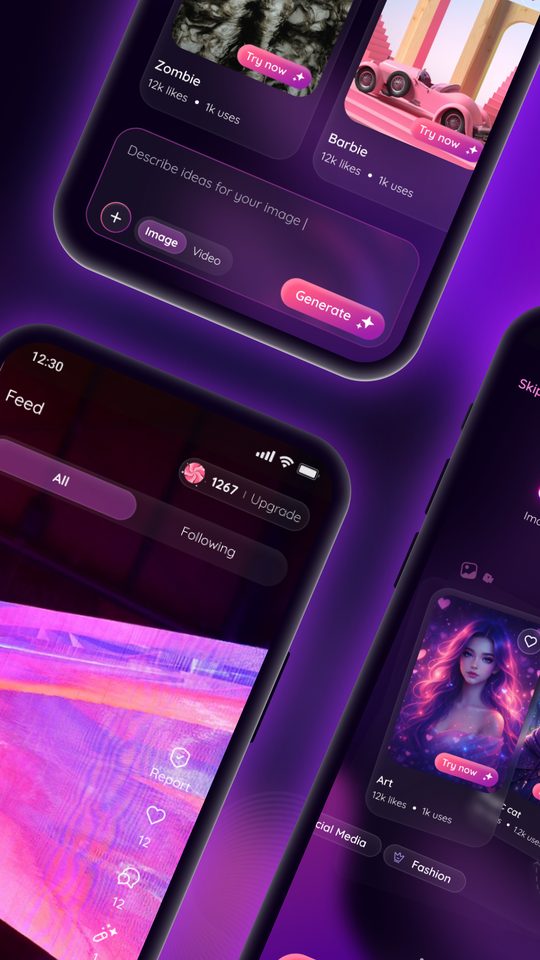
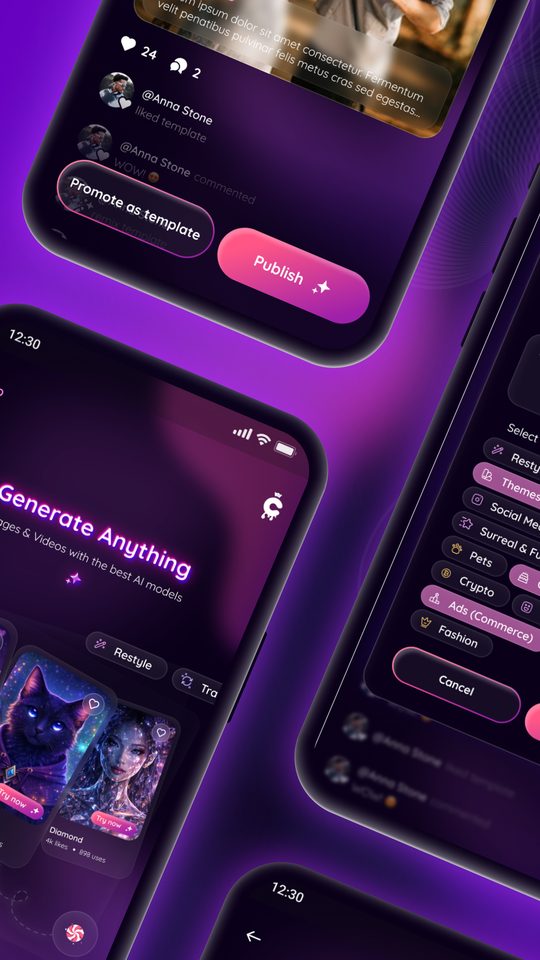
Hundreds of ready looks — Art, Zombie, Flower Universe, Magic Cat. Tap Try now and your photo comes back transformed.
Restyle & transform
Restyle a shot, change its materials, move it to another setting or dress it for an occasion. Same you, new world.
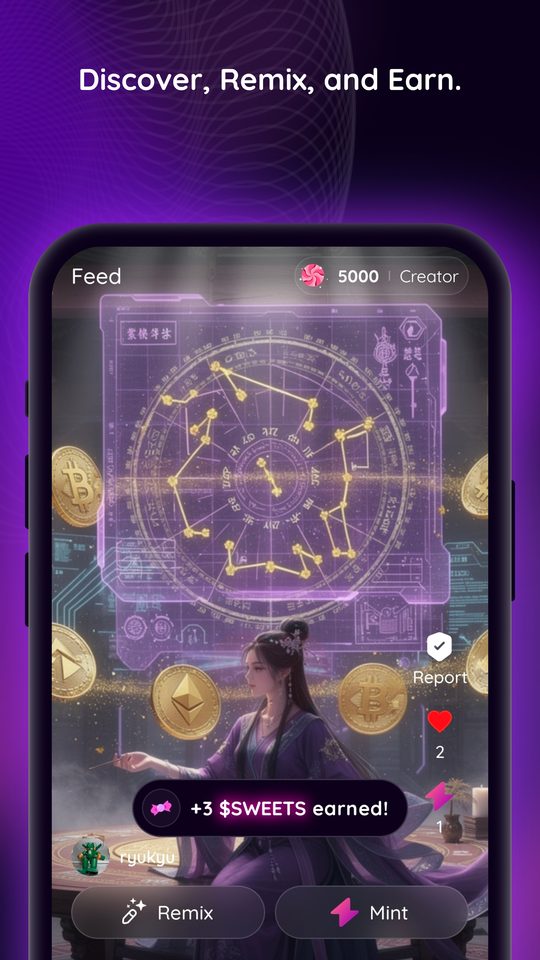
A feed of real creations
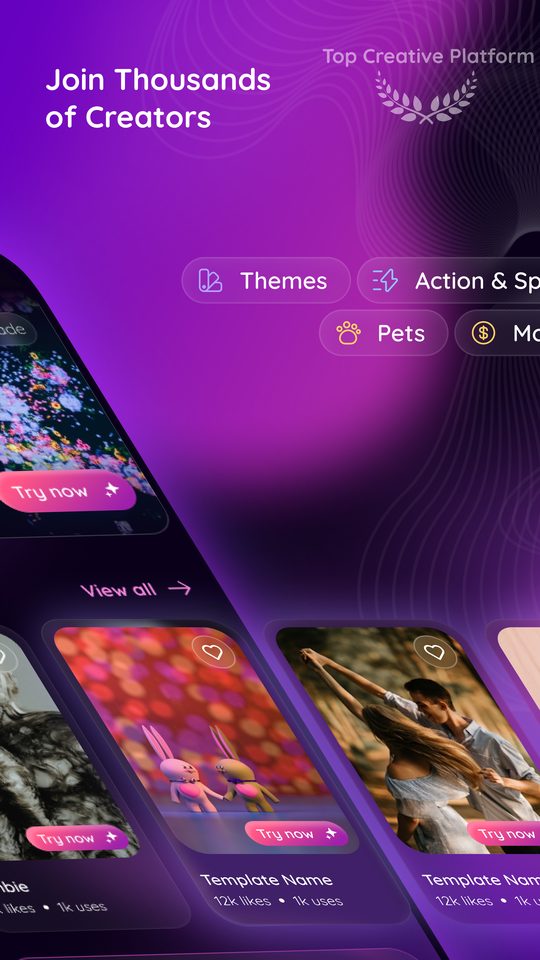
See what everyone is making, follow the creators you like, and open any look you want to try yourself.
Credits, shown up front
Every generation costs credits, and the cost sits on the Create button before you tap it — no surprises.
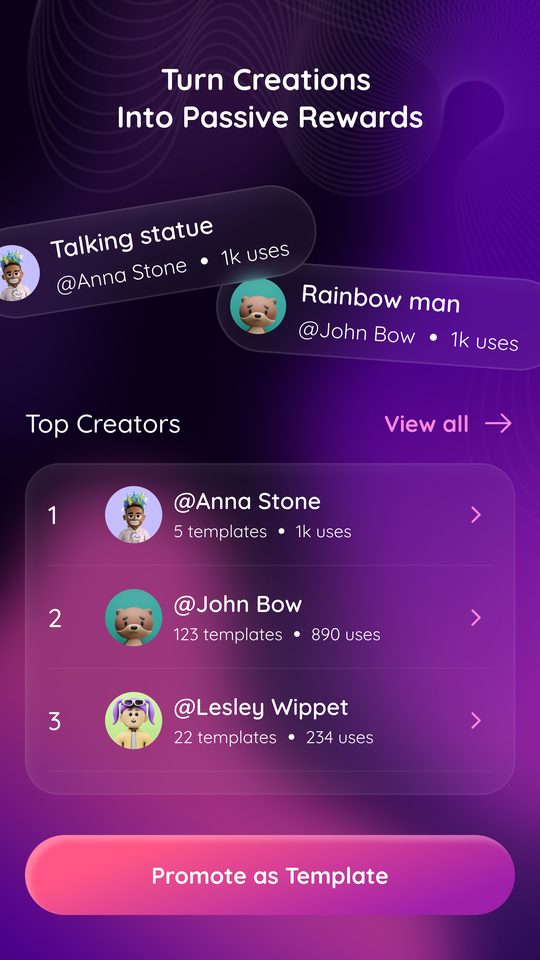
Turn creations into passive rewards
Made something people want to copy? Promote it as a template. It goes into the gallery with your name on it, and you earn every time someone uses it.
- Publish your creation as a one-tap template
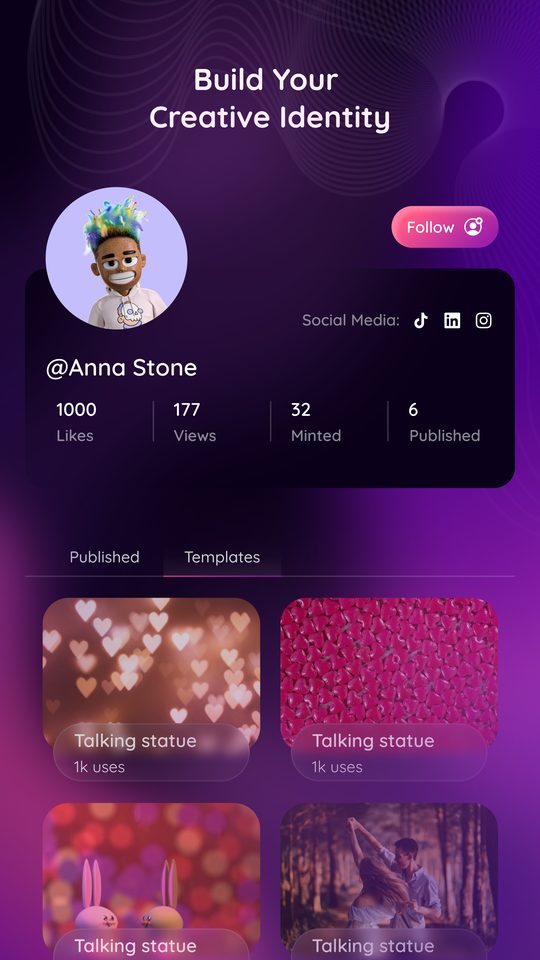
- Your handle rides along on every use
- Top creators stack up thousands of uses
- Follow the creators whose looks you like
How it works
Describe it or pick a template
Type your idea into the create bar, or start from a template someone already built.
Choose image or video
Switch between image and video, pick a model, and add your own photo if you want yourself in it.
Create, save, share
Your result lands in your gallery, ready to save, post to the feed or send on.